
Before you cast on
Gauge calculator
What does my swatch measure?
Measure a swatch once, then carry a reliable stitch and row gauge into your next pattern.
Worked example22 sts over 4 in = 5.5 sts/in
Use Gauge calculatorFree · no sign-in
Free knitting and crochet calculators for the numbers, editable Pixel Charts for the colourwork, and projects that keep the whole make together.
Free account includes a Pixel Chart trial. Calculators never need one.
02 Free tools
Eight calculators, no account, and every result shows its formula and rounding.
A clearer next step
Eight free tools, with the formula and rounding shown in every result.
Free · no account needed
Before you cast on
What does my swatch measure?
Measure a swatch once, then carry a reliable stitch and row gauge into your next pattern.
03 Pixel Charts
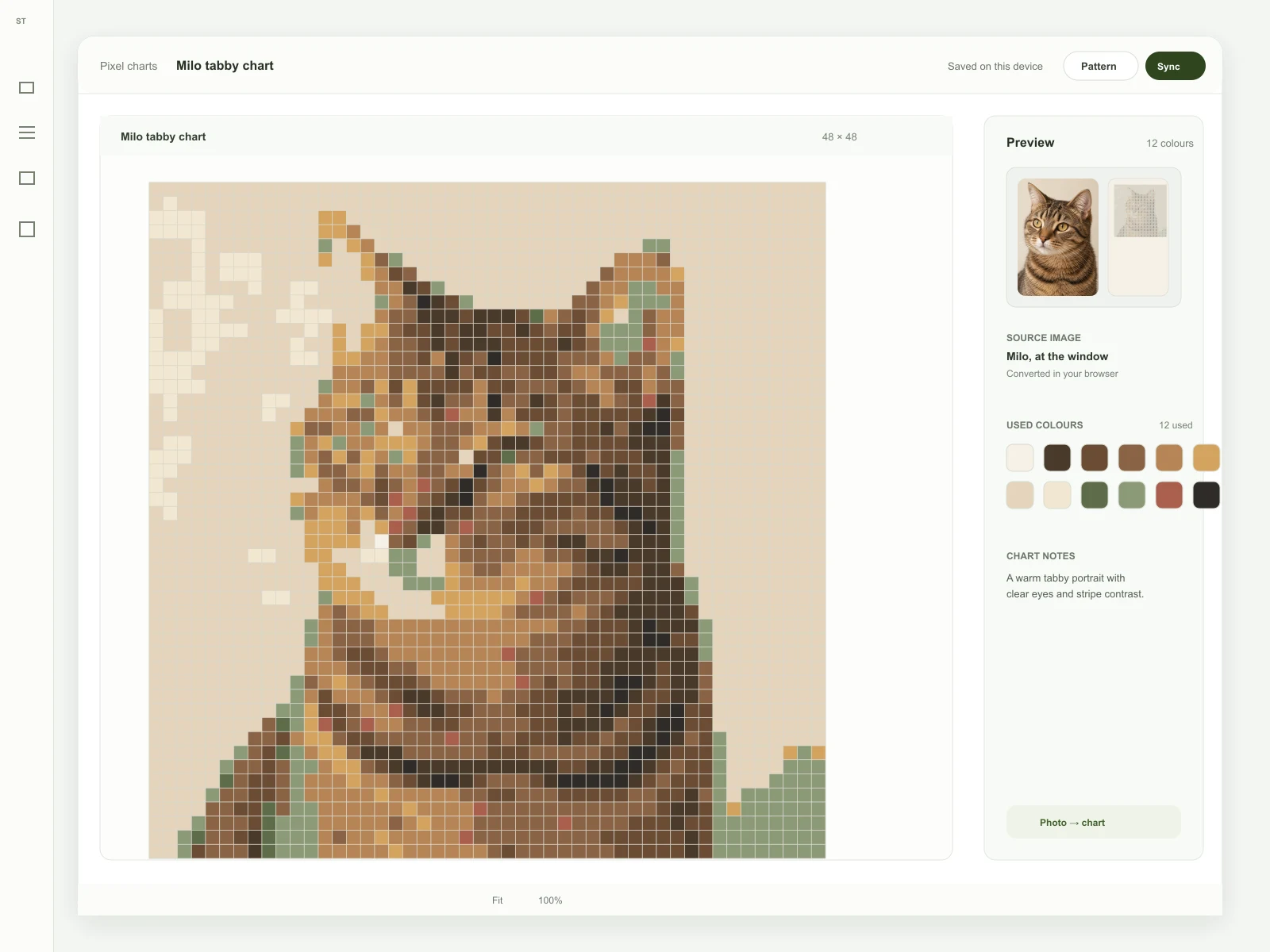
Upload an image, pixelate it, edit the grid, and keep your place with work mode. Conversion happens in your browser — the picture never leaves your device.
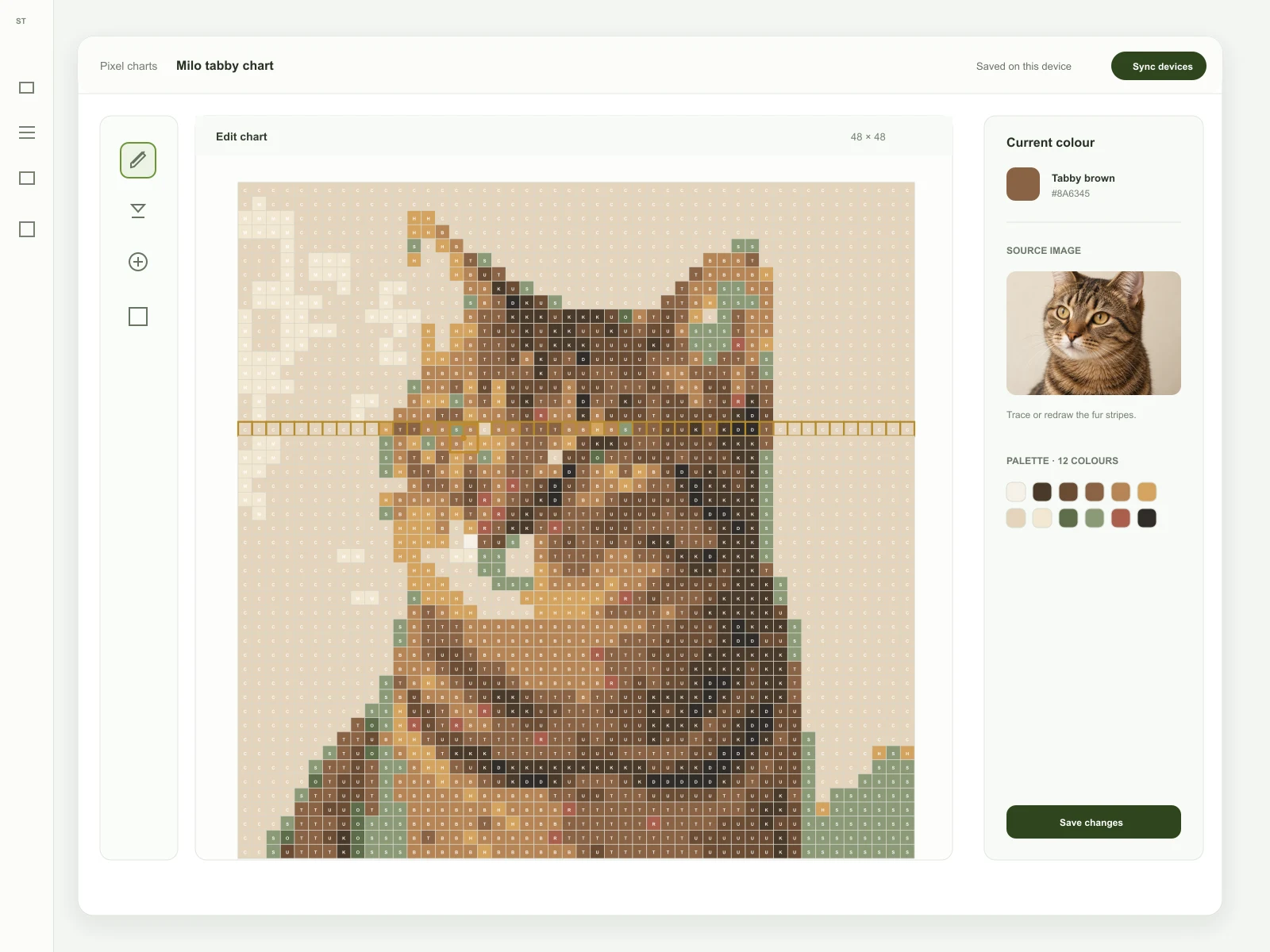
Start with a favourite portrait, like Milo in the window light.
Refine the 12-colour palette and redraw the fur stripes until it feels right.
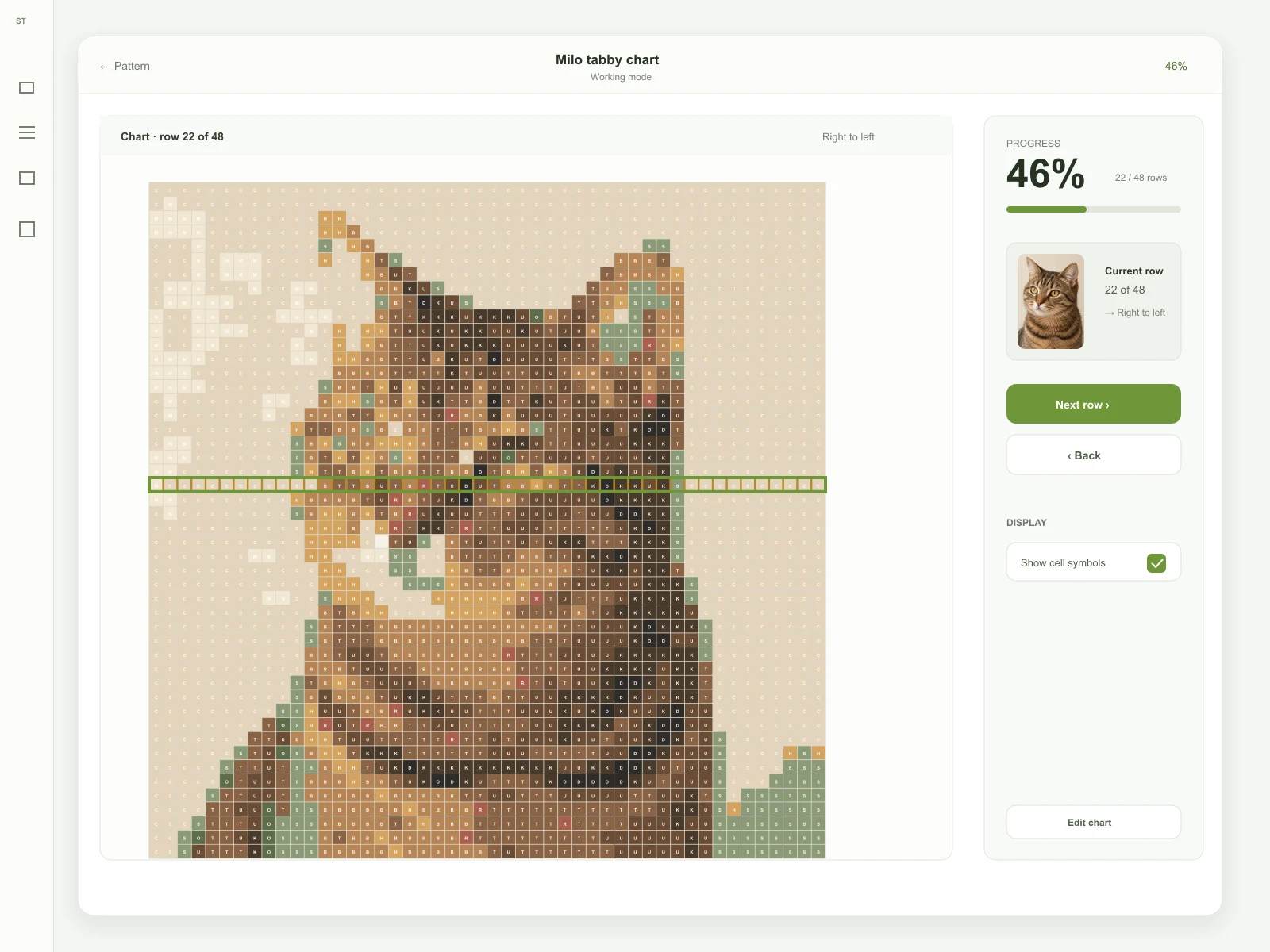
Keep your place row by row while you make — 22 of 48 is already underway.
04 How it works
Gauge, resize, and yarn math with the formula shown.
Keep the numbers, yarn, and notes together.
Turn an image into an editable chart grid.
Work mode tracks your row as you go.
05 Your workspace
Projects keep gauge, yarn, calculations, charts, and row progress together on this device — no account, nothing uploaded.
A free account syncs projects to the cloud and unlocks the Pixel Chart workspace. The row counter and projects work without one.
06 Trust & privacy
No account to calculate. Projects stay on this device unless you choose to sync them.
Shown with every result
07 Pricing
Calculators stay free without an account. Premium adds bigger charts and production exports when you need more room. Choose a Premium billing plan when you are ready.